From Voice Messages to a Real Book: How to Use Your Phone for Recording
Forget tedious audio transcription. Discover how to use your smartphone's voice recorder to turn speech directly into a finished book with Sanota.
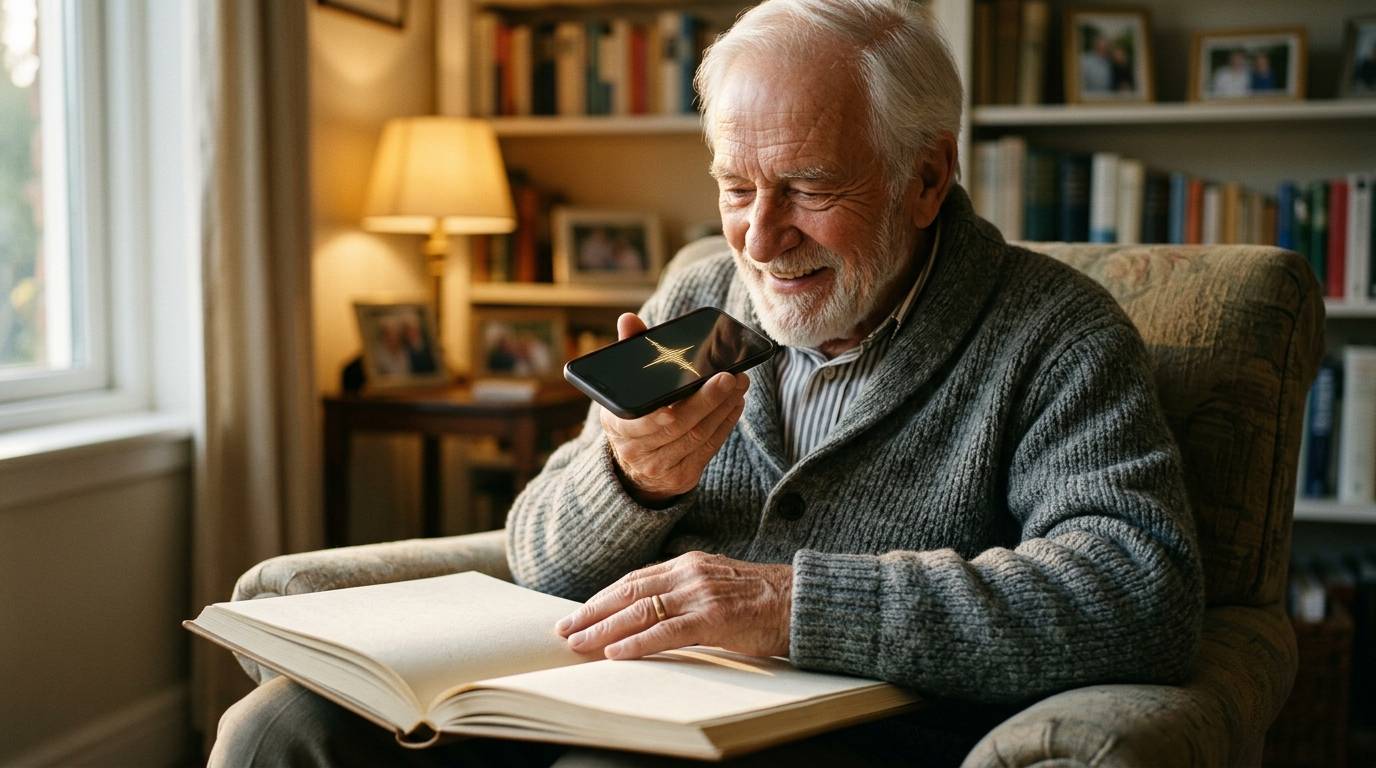
Almost everyone has a smartphone in their pocket these days. We are used to sending quick voice messages on WhatsApp to our children and friends when we don't feel like typing. What if you could use this exact same, familiar, and effortless technology to create an entire autobiography?
When it comes to saving life stories, using a voice recorder has long been popular, but it has always come with one massive stumbling block: audio transcription. Modern technology, however, has finally eliminated this obstacle.
Traditional Transcription is a Thing of the Past
Previously, the process went like this: you would sit down at a table with your grandparent, turn on the voice recorder, and capture an hour of fascinating stories. The problems only started after that.
Manually transcribing an hour-long interview from audio to text easily takes three to four hours for an inexperienced typist. You have to rewind the tape constantly, try to decipher mumbling, and correct typos. Many family history projects have stalled at this exact stage—dozens of hours of valuable recordings lie hidden in the depths of a computer, waiting for "that day when I have time to type them out."
(Looking for a solution that handles the whole process for you? See our comparison: Storyworth Alternative: Why Sanota is the Effortless Choice)
From Your Phone Straight to the Pages of a Book
Sanota turns your phone into a smart ghostwriter. It makes manual transcription a thing of the past by combining dictation and editing into one seamless process.
When you use Sanota, you act exactly as if you were sending a long voice message:
- You open Sanota in your phone's browser (no app download required).
- You select a question and press the record button.
- You speak your story.
As soon as you stop speaking, Sanota's AI works its magic. It doesn't just transcribe the audio into raw text; it cleans up filler words, structures paragraphs, and produces finished, beautiful book language—completely automatically. What used to take hours now happens in seconds.
(Need tips on how to get your grandparent to relax in front of the phone? Read our guide: How to interview grandparents on tape? 7 tips for a natural conversation)
Make Your Smartphone Your Family's Most Important Tool
You don't need to buy expensive microphones or separate dictation devices. The microphones in modern smartphones are of astonishingly high quality. Just place your phone on the coffee table between you, pour some coffee, and start reminiscing.
Forget the tedious typing on a keyboard and let technology handle the most unpleasant phase of the work for you.
Try Sanota for free here and turn your first story into text.