The Book of Your Life Without Technical Skills – Step-by-Step Guide
How to create a digital biography if technology causes anxiety? See our easy 3-step guide for grandparents, with no app downloads required.
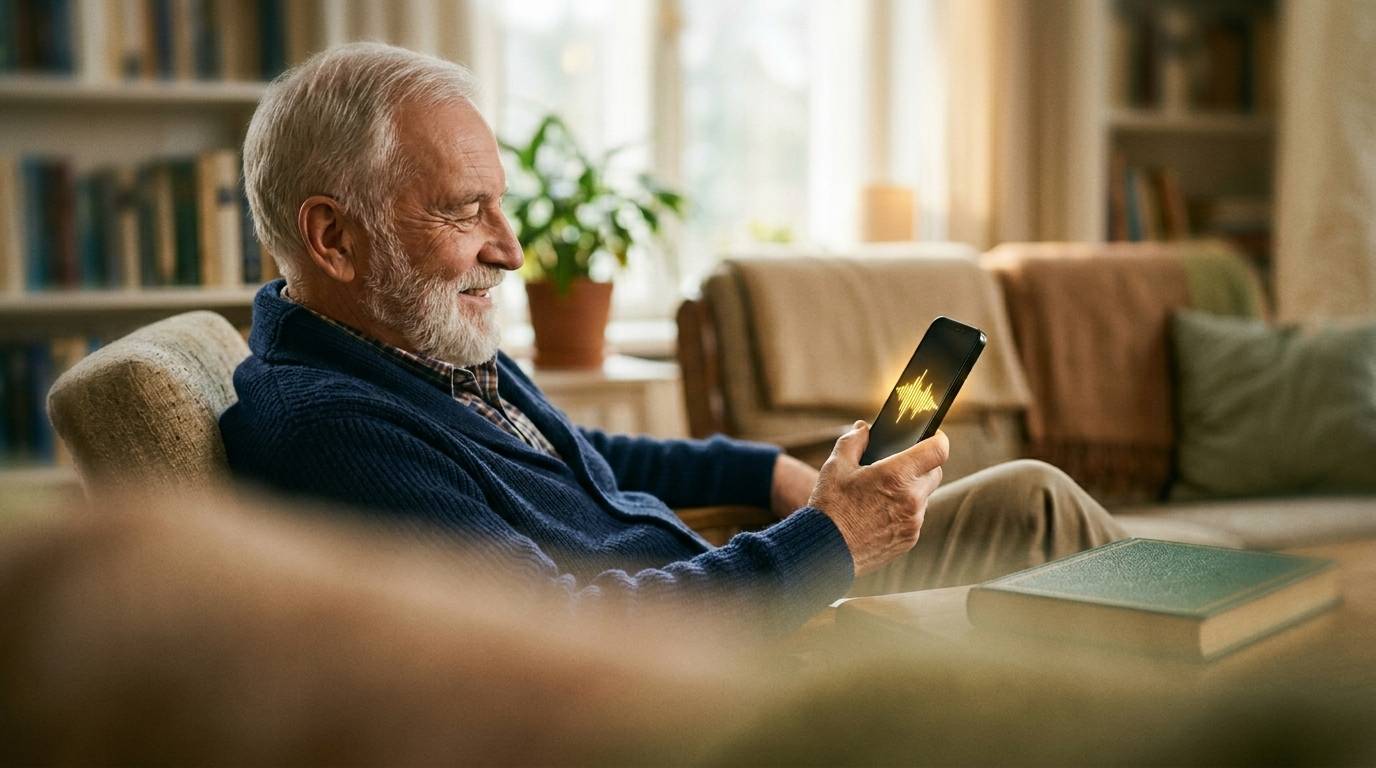
Many grandparents have an abundance of stories to share, but the thought of converting them into a digital format is terrifying. The words digital biography or biography app often bring to mind complicated installations, forgotten passwords, and frustrating error messages.
However, recording your own story should not be a test of technical skills. When looking for easy technology for seniors, it is crucial to choose a tool that requires absolutely no technical background. Sanota was designed from exactly this premise: anyone can use it.
Why the "App-less" Model Saves the Day
The most common barrier to starting to record stories is the app store (App Store or Google Play). Downloading a new app often requires creating an account, remembering a password, and accepting terms of use.
Sanota has completely bypassed this problem. It works directly in the browser of your phone, tablet, or computer. This means that you do not need to download or install anything at all on your device.
(Want to know how this browser-based model compares to other options on the market? Read our comparison: Storyworth Alternative: Why Sanota is the Effortless Choice)
How to Easily Create a Biography – 3 Steps
Using Sanota has been made as easy as reading a regular web page. Here is how the process works in practice:
Step 1: Open the link
You or your grandparent can open the link sent by Sanota directly from an email or text message. One click, and you are there. No installations, no updates.
Step 2: Choose a question and press the button
A clear question about the past, such as childhood or first love, appears on the screen. Below the question, there is one large button. When your grandparent is ready, all they have to do is press the button and start speaking into their phone, just like making a phone call.
(Need ideas on what topics to cover first? See our popular list: 100 Best Questions for Grandparents: How to Save Family Stories)
Step 3: Sanota does the rest
Once the story is spoken, artificial intelligence steps in. Your grandparent doesn't have to write, correct typos, or think about paragraph breaks. Sanota listens to the speech and automatically transforms it into beautiful, finished book language for your shared collection.
Start Without Stress
Collecting family stories should be a unifying and joyful experience, not a technical challenge. When we remove the burden of writing and complicated apps, all that is left is the pure joy of storytelling.
Try Sanota for free here and discover how easy saving memories can be.